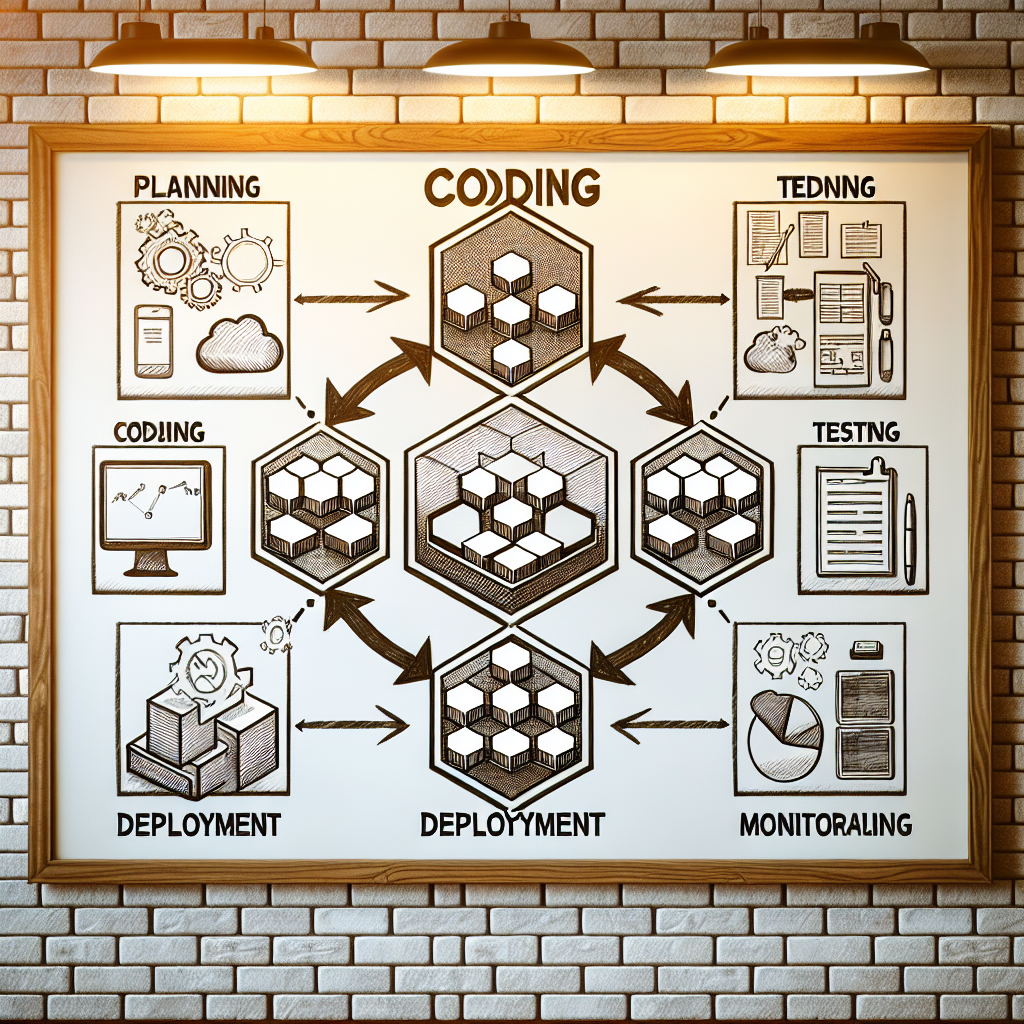
If your software releases feel slow, fragile, or oddly expensive for what you’re getting, you’re not alone. Many teams still ship code with manual steps, fragile servers, and a lot of crossed fingers during every deployment. DevOps consulting and cloud infrastructure setup exist largely to fix that exact mess—without requiring you to become a full-time tech architect. Table of Contents
- 1. DevOps consulting and cloud infrastructure setup in plain language
- 2. Why DevOps consulting and cloud infrastructure setup are worth your time
- 3. A simple five-step path to start with DevOps and cloud
Key Takeaways
| Key Idea | Why It Matters | What You Should Do First |
|---|---|---|
| DevOps is collaboration plus automation, not just tools | Avoids slow releases, surprise outages, and finger-pointing between teams | Clarify who owns what between product, development, and operations |
| Cloud infrastructure turns physical servers into flexible online resources | You pay only for what you use and can scale quickly | Pick one major cloud provider and start small with a test environment |
| DevOps consulting guides you through process and tech changes | Reduces risk of expensive mistakes and tool overload |
1. DevOps consulting and cloud infrastructure setup in plain language
Let’s start painfully simple. DevOps is a way of working where software developers (“Dev”) and IT operations (“Ops”) work to gether as a single team, using a lot of automation to ship software faster and more reliably. Consulting just means you bring in experts to help you design that way of working for your business. And cloud infrastructure setup is the process of configuring your online servers, databases, and networks on platforms like AWS, Microsoft Azure, or Google Cloud. If that still feels abstract, use this analogy: imagine you run a restaurant. Developers are your chefs. Operations are your kitchen managers and suppliers. DevOps is the system that makes sure recipes, ingredient orders, kitchen layout, and quality checks all work to gether, so meals come out quickly and consistently. Cloud infrastructure is the building, kitchen equipment, and storage rooms—but they’re virtual and rented instead of owned. So DevOps consulting and cloud infrastructure setup to gether mean: experts help you design both the kitchen and the kitchen workflow, then automate as much as possible so you can deliver digital “meals” (features, fixes, new products) quickly and safely.
A few jargon terms you’ll hear all the time.
Continuous integration (CI): every time a developer changes code, it’s automatically checked, tested, and merged into a shared codebase. Think of it as an automatic quality gate for every recipe change.
Continuous delivery or deployment (CD): once code passes tests, it can be automatically released to users, or at least prepared for release with a single click. No giant, scary release weekends.
Infrastructure as code (IaC): instead of manually clicking around in a cloud console to create servers and databases, you write configuration files (code) that define your infrastructure. Reproducible. Documented. Much less guesswork.
Containers: lightweight, portable environments (often using Docker) that package your application and everything it needs to run. Like a shipping container for software that behaves the same on any ship.
The annoying thing about DevOps as a term is that vendors love to slap it on every tool. But DevOps consulting and cloud infrastructure setup are really about designing a system—people, process, and technology—that fits your business, not just buying yet another platform.
ProTip: When you talk to any consultant about DevOps, ask them to draw your future workflow on a single whiteboard—end to end. If they can’t make it simple, they don’t truly understand it.
-
DevOps = collaboration + automation between developers and operations
-
Cloud infrastructure = virtual servers, databases, and networks you rent
-
Consulting = guidance on both technical setup and team workflows
*Pro tip: Ask consultants for a one-page diagram of your future DevOps and cloud setup; if it’s complicated, push them to simplify it until you understand every box and arrow.# 2. Why DevOps consulting and cloud infrastructure setup are worth your time
You might be wondering: do I really need this, or is it just another tech buzzword phase that’ll pass? Fair question. I’ve seen leaders invest in tools without changing how teams work and then blame “DevOps” when nothing improves. That’s frustrating to watch. When DevOps consulting and cloud infrastructure setup are done well, you usually see benefits in four areas: speed, stability, cost, and visibility. Speed: Teams ship features and fixes faster because manual steps shrink. In many companies, a deployment that took days or weeks drops to hours—or even minutes. One widely cited study (the DORA State of DevOps report, summarized often by Google Cloud) has repeatedly found that high-performing DevOps teams deploy code multiple times per day with dramatically lower failure rates. Stability: Paradoxically, moving faster often makes things more stable. Why? Because smaller changes are easier to test, easier to roll back, and easier to understand. Automated tests catch obvious bugs before users see them. And cloud infrastructure lets you build environments for testing that closely match production. Cost: Cloud isn’t automatically cheaper (this is a myth I wish would die), but it gives you better control. You can scale systems up during a product launch, then scale down later. You pay for what you actually use. Done thoughtfully, DevOps practices reduce wasted compute, duplicate environments, and human time spent on repetitive tasks. According to various surveys aggregated by sources like the Harvard Business Review, reduced lead times and fewer defects also cut operational costs in a very real way. Visibility: With DevOps practices, you start tracking metrics like deployment frequency, change failure rate, mean time to recovery (MTTR), and resource usage. Suddenly, discussions about “tech” turn into business conversations: how much downtime really costs you, how long features take from idea to user, and where the bottlenecks live. For organizations dealing with old systems, good DevOps consulting and cloud infrastructure setup can also be the bridge to modernization. If you’re thinking about updating legacy platforms, you may want to read “Legacy Application Modernization Services: What” to see how modern DevOps practices support that transition without breaking everything along the way. Honestly, my favorite benefit is confidence. Instead of fearing each release, teams start to trust their system. That doesn’t show up on a financial statement directly, but you feel it in every planning meeting. ProTip: Before starting any DevOps or cloud project, write down three quantifiable goals—like “cut deployment time from 2 days to 2 hours” or “reduce outages by 50%.” Use those to steer scope and measure success.
-
Faster releases with fewer manual steps
-
More stable systems despite faster change
-
Better cost control through right-sized cloud resources
-
Clear metrics so tech decisions map to business impact
*Pro tip: Pick one or two metrics—like deployment frequency and incident count—and track them monthly so you can see if your DevOps and cloud work is actually paying off.# 3. A simple five-step path to start with DevOps and cloud
You don’t need a giant multi-year roadmap to begin. In fact, I’d actively warn against it. Start small, learn, then expand. Here’s a practical five-step path you can follow, even if you’re not technical. Step 1: Map your current software delivery process Sit down with your team and map, step by step, how an idea becomes running software in production. Where does it start? Who touches it? Where do approvals happen? Where does work wait? This is your baseline. Key jargon here: value stream. That’s just the full sequence of steps that adds value—from idea to user. DevOps consulting often starts with a value stream mapping workshop. Done right, it surfaces bottlenecks like “we wait 3 days for a manual database change” or “only one person knows how to deploy.” Step 2: Choose your initial project and cloud provider Don’t start with your riskiest or largest system. Pick a product or service that’s important, but not existential, and that has an active team. Then pick a cloud provider—AWS, Azure, or Google Cloud are the big three. They all have similar core services: compute (servers), storage, databases, and networking. If you’re comparing models of working with remote engineering talent for this first project, the article “Managed Overseas Development Teams vs Freelancers:” is worth a look, since your DevOps approach has to align with how your teams are structured. Step 3: Establish basic DevOps practices and tooling You don’t need every tool under the sun. Start with: Source control: a system like GitHub, GitLab, or Bitbucket where all code lives.
Continuous integration (CI): automated builds and tests on every code change, using tools like GitHub Actions, GitLab CI, or CircleCI.
Automated deployments: a simple pipeline that can deploy to a staging environment, then to production with a clear approval step.
Infrastructure as code (IaC): start with something like Terraform or AWS CloudFormation templates to define your servers and networks in code. Yes, the learning curve is real. But future you will be very grateful.
Step 4: Design your basic cloud infrastructure setup
At minimum, you’ll define:
Environments: usually dev, staging, and production. Each is a separate copy of your app and infrastructure used for different purposes.
Networking: virtual private clouds, subnets, and security groups (in plain language: who can talk to whom, and on which ports).
Compute: virtual machines, containers (for example, Kubernetes or ECS), or serverless functions (like AWS Lambda).
Data: managed databases (e.g., Amazon RDS, Azure SQL) and storage (e.g., S3, Azure Blob Storage).
I’m not 100% sure which combination will fit your exact needs without more details, but a common starter pattern is: containerized app on a managed service (like AWS ECS Fargate), fronted by a load balancer, with a managed database and object storage. Simple(ish), scalable, and relatively low maintenance.
Step 5: Run a pilot, review results, and expand carefully
Treat your first DevOps and cloud setup as an experiment. After 2–3 months, review:
How often you deploy now vs. before
How long deployments take
Number and impact of incidents
Cloud spend vs. previous hosting costs
Use these findings to refine your approach. Maybe you add more automated tests, or move another application to the same cloud pattern. Or maybe you realize you need external guidance for the next phase. If you’re planning a new product, the article “Top MVP Development Services for Entrepreneurs:” can help you think through how your MVP and DevOps approach should support each other from day one.
Numbered below is a sample, very simplified starter roadmap.
ProTip: Limit your first DevOps and cloud pilot to 90 days with a clear scope. It creates urgency without turning into another endless engineering project.
-
Weeks 1–2: Map your current delivery process and pick a pilot application.
-
Weeks 3–4: Choose cloud provider and set up basic accounts and access controls.
-
Weeks 5–8: Introduce source control, CI, basic tests, and a staging environment.
-
Weeks 9–10: Add production-ready monitoring and alerting.
-
Weeks 11–12: Review results, refine, and decide on the next application to migrate.
| Area | Bare Minimum for a Pilot | Later, More Advanced Options |
|---|---|---|
| Source control | Single Git repo with basic branching | Trunk-based development, branch protection rules |
| Testing | Automated unit tests on every change | Integration, end-to-end, and load tests in pipelines |
| Deployments | Manual approval to deploy from staging to production | Automatic deployments with blue-green or canary releases |
| Infrastructure | Simple VM or container cluster defined with IaC | Modular IaC, reusable templates, multi-region setups |
| Monitoring | Basic uptime checks and error alerts | Full observability: logs, metrics, traces, SLAs |
| *Pro tip: Set a strict timebox for your first pilot and document what you’ll deliberately ignore—nice-to-have tools can quietly kill momentum if you chase them too early. |